MICROSOFT • PRODUCT DESIGN INTERNSHIP
Reducing misroutes in Microsoft’s incident management tool.
During my 12-week internship at Microsoft, I primarily worked alongside the Power Apps design team on customer-facing feature. Midway through the summer, a senior manager invited me to take on an additional project: a full redesign of Microsoft's internal incident management tool.
Unlike my other work in Figma, tight timelines on this project required me to deliver a fully functioning application end-to-end. I built my redesign directly in Power Apps and worked closely with lead software engineers.
I shipped the full solution before the end of my internship, directly improving how Microsoft’s support teams manage and resolve incidents today.

• THE PROBLEM
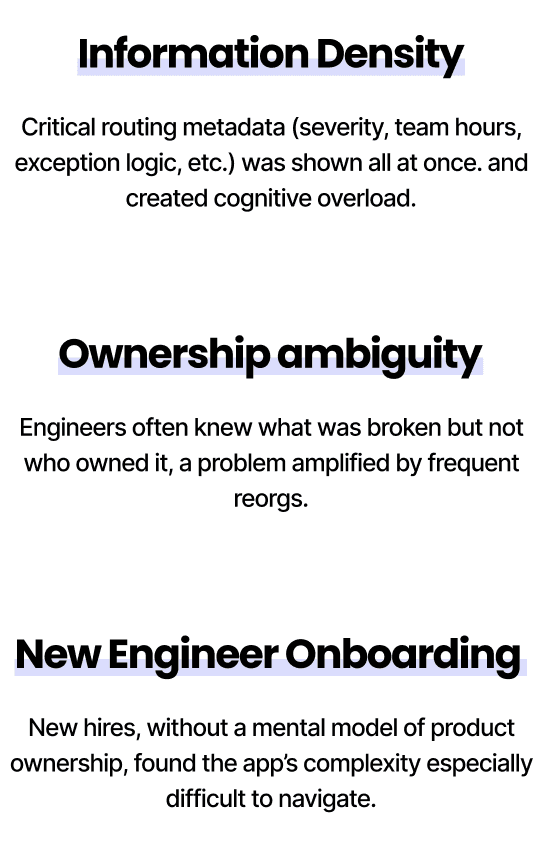
Information overload leading to frequent misroutes

In practice, this meant the tool was generating frequent misroutes: incidents being sent to the wrong team, only to be rerouted later. Misroutes not only forced engineers to do extra work but also delayed resolution for customers.
The next step in my redesign was to dive deeper into the original ICM app.
• ORIGINAL SCREENS & INSIGHTS
Filters dominated the UI but didn’t reflect how engineers worked
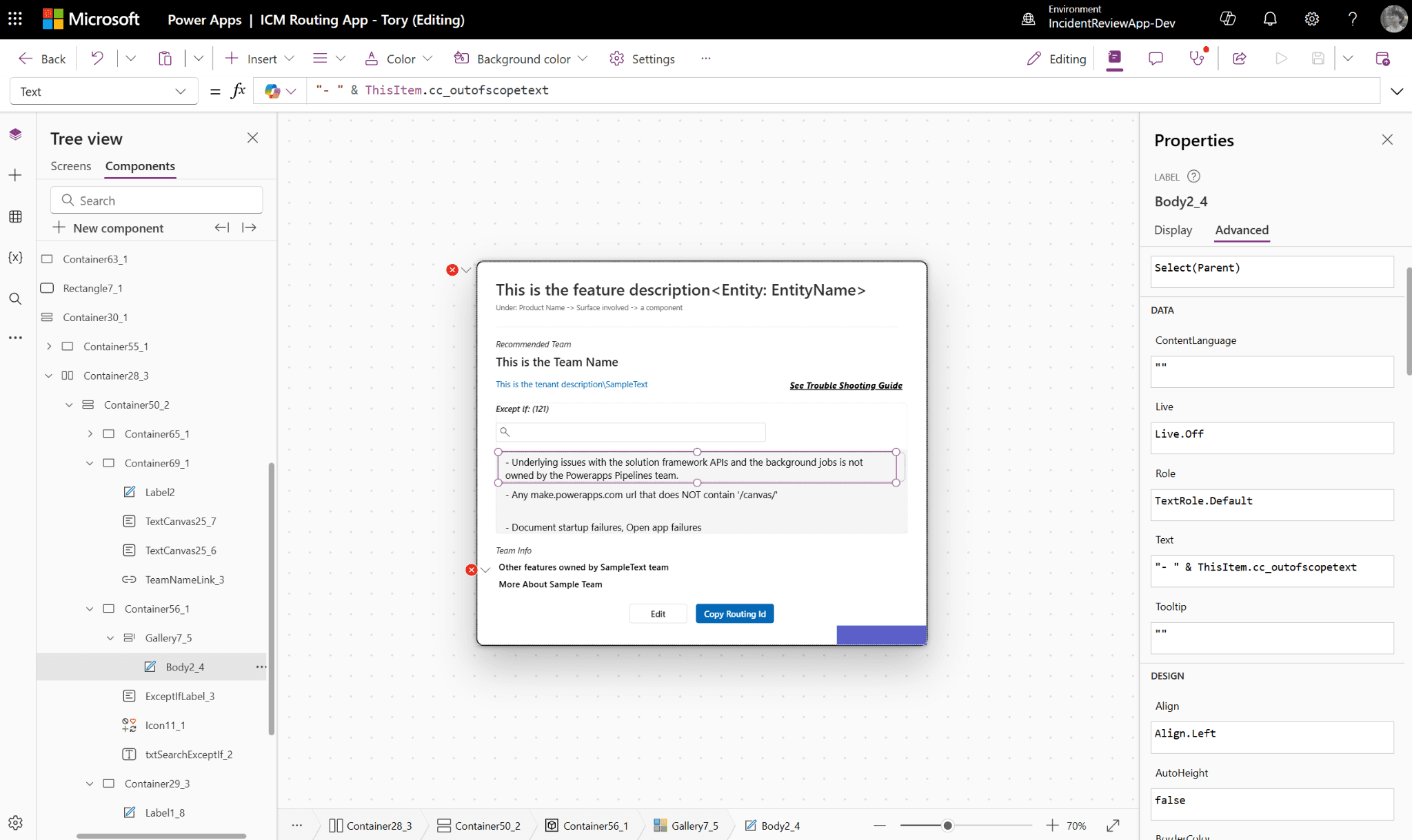
The app’s filter-based navigation system (App → Surface → Component → Feature) was designed to narrow down ownership step by step. While this worked reasonably well for front-end issues, it broke down for backend services, where mapping is not as intuitive.
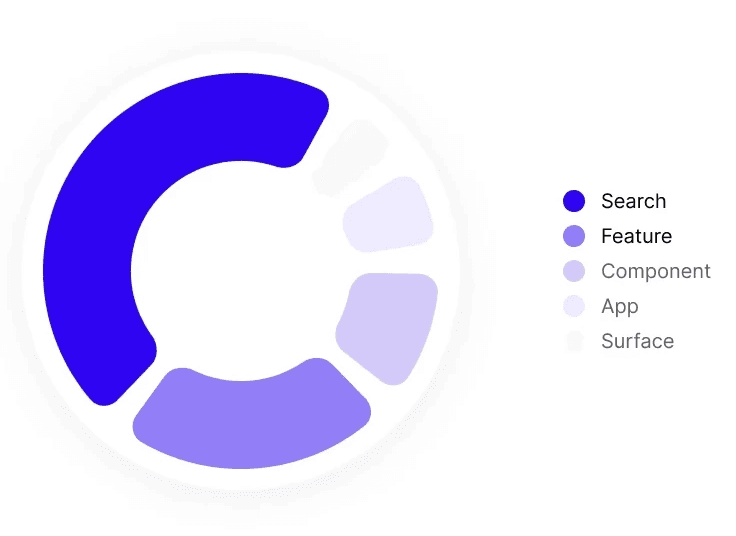
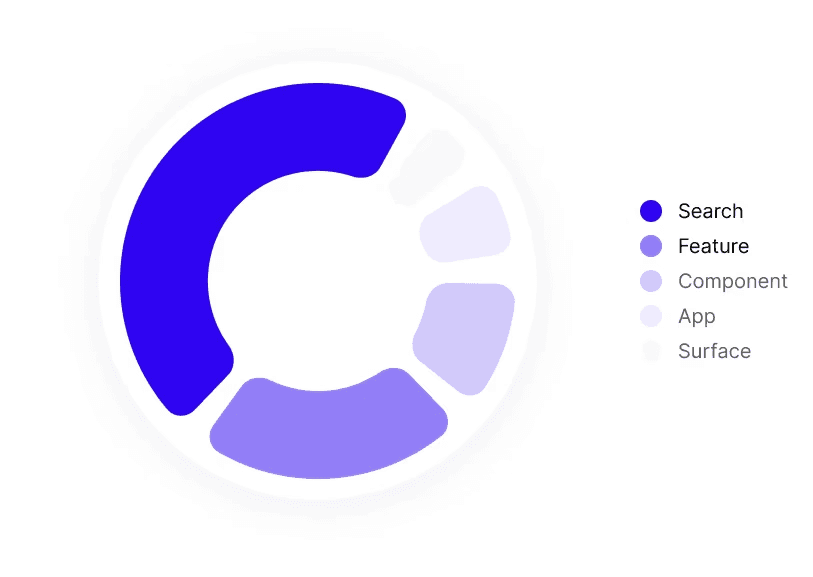
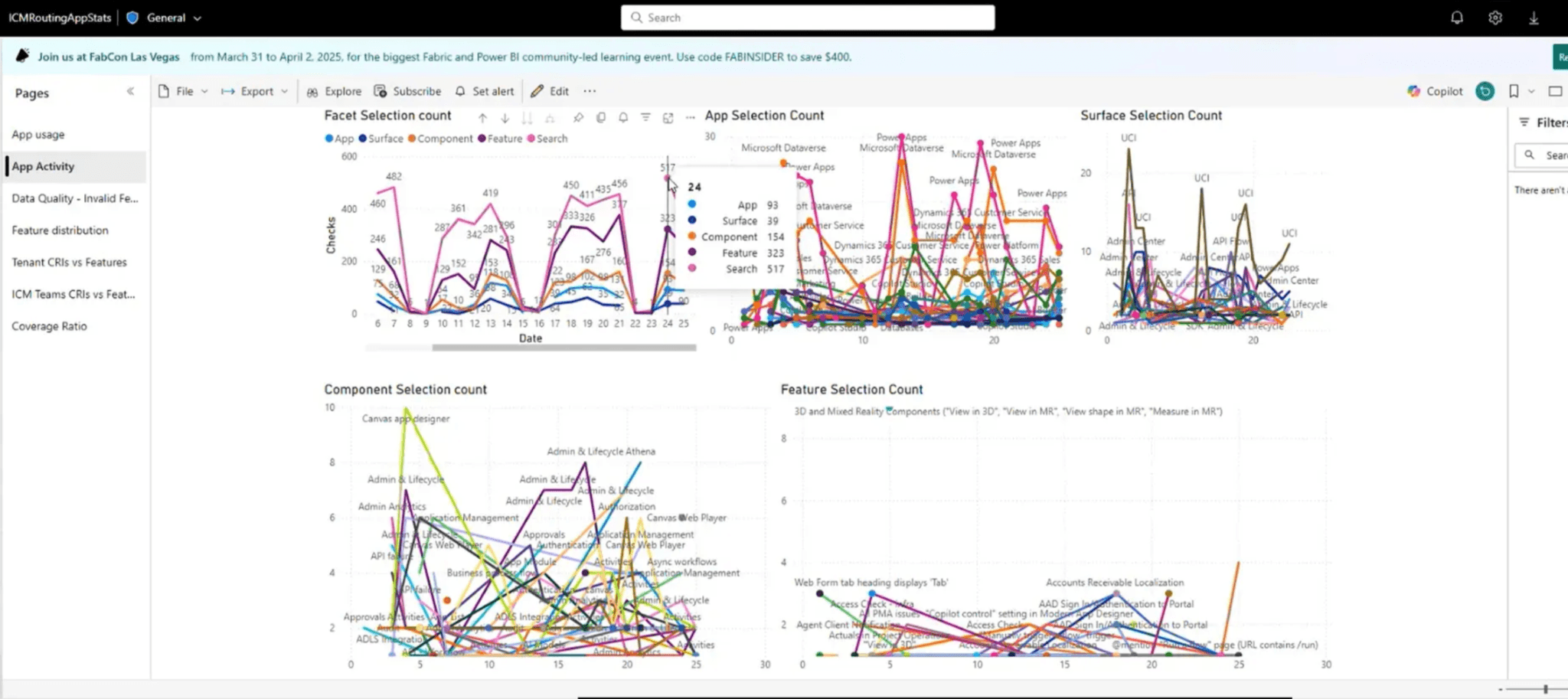
Working in PowerApps, I was able to gain access to telemetry from the live system. I uncovered that engineers weren’t following the intended filter flow…despite it taking up most of the interface.
Instead, they overwhelmingly used Search to jump to keywords and highlight matches. The second most-used action was selecting "Feature", confirming that engineers often already knew what they were looking for.
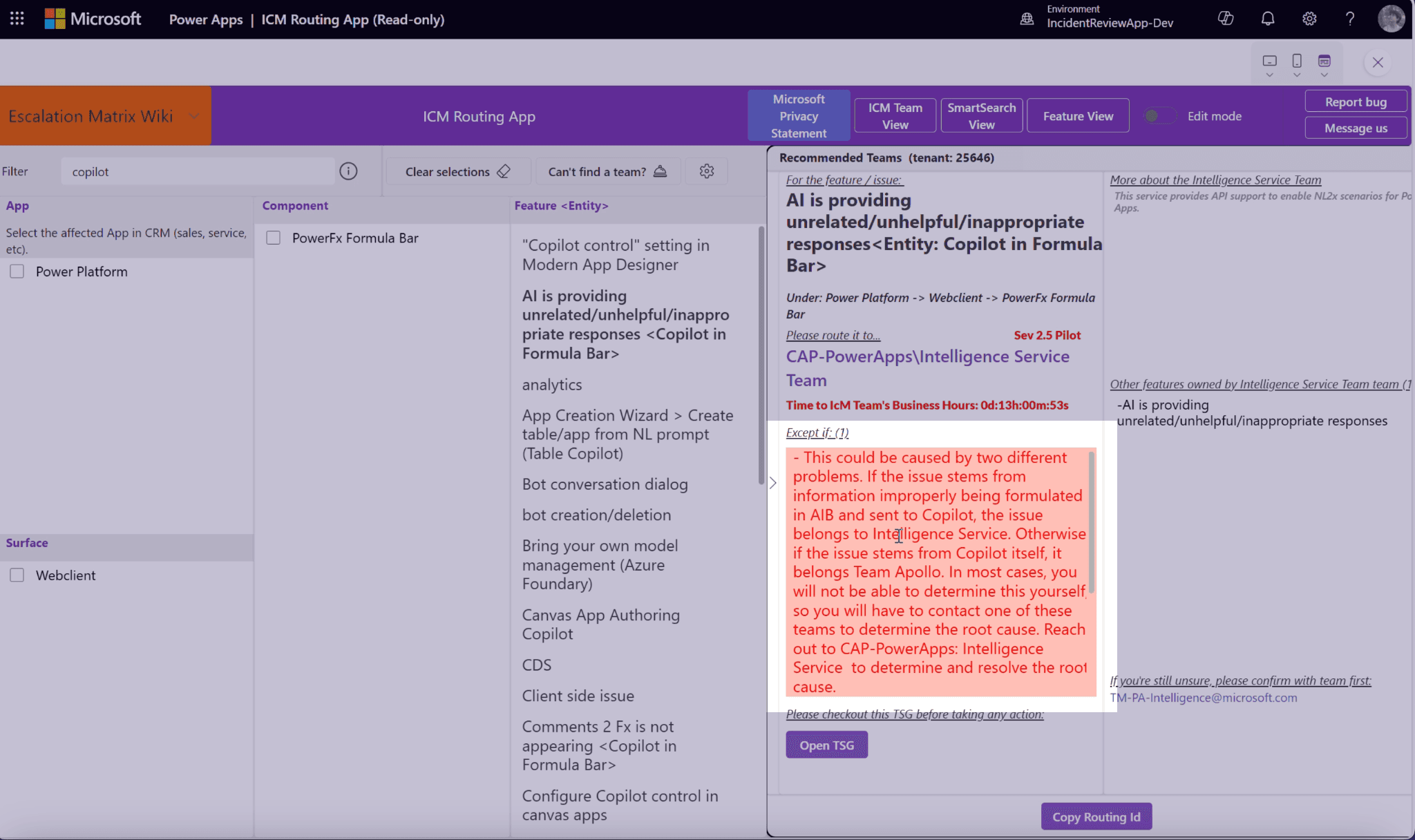
Exceptions were endless.
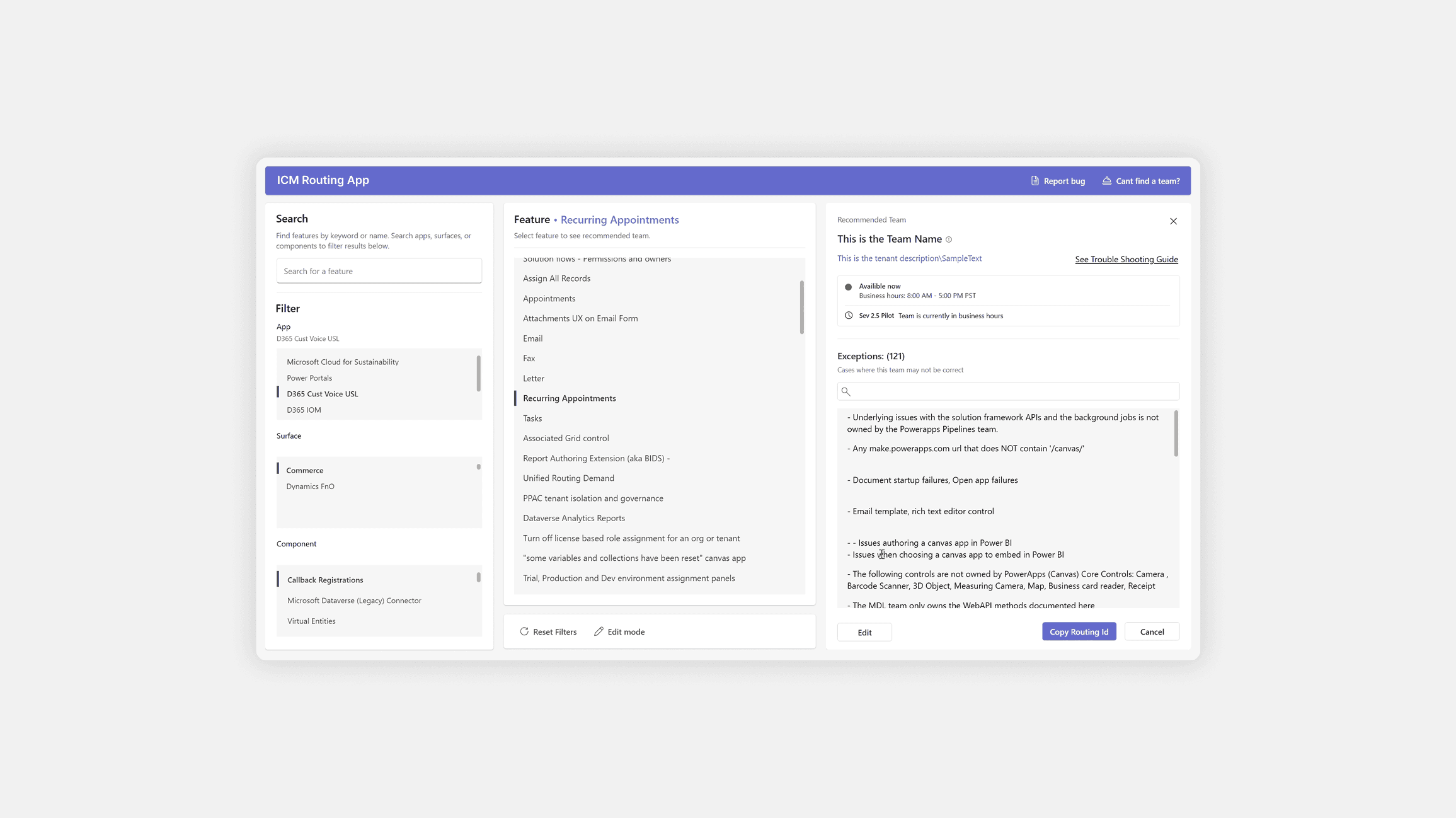
When the ICM Routing App recommends a team for a specific feature, the recommendation is rarely absolute. Each team can define a long list of exceptions: specific situations where an issue that normally belongs to their team should actually go elsewhere.


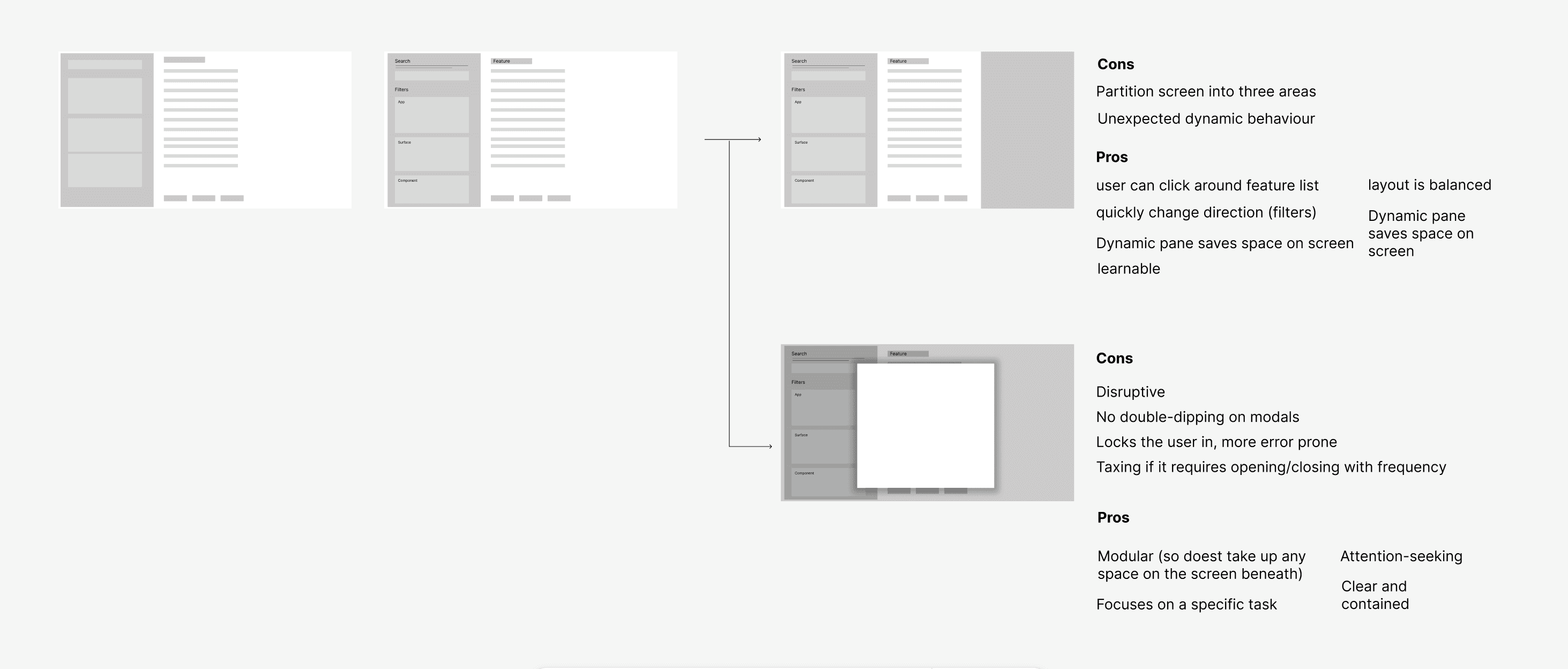
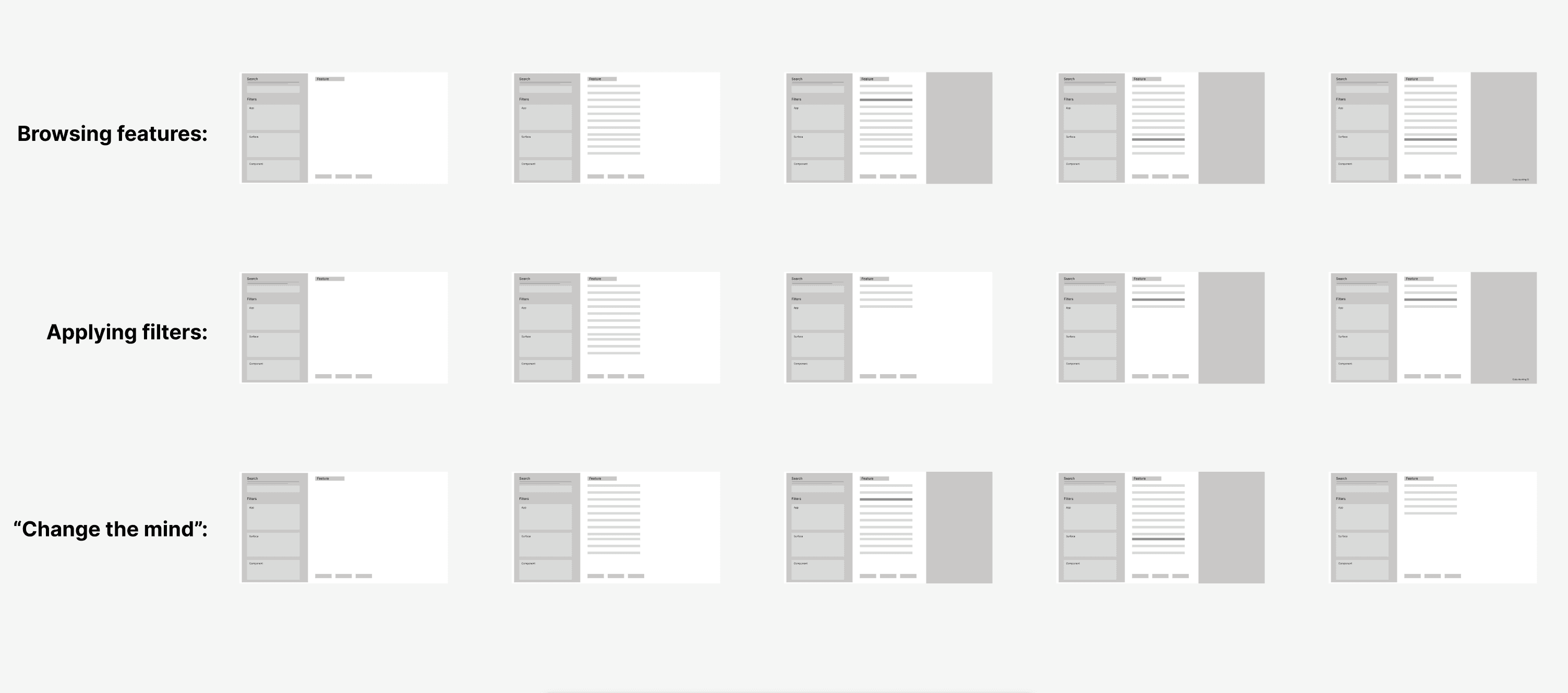
• ACCELERATED DELIVERY
Design Meets Development
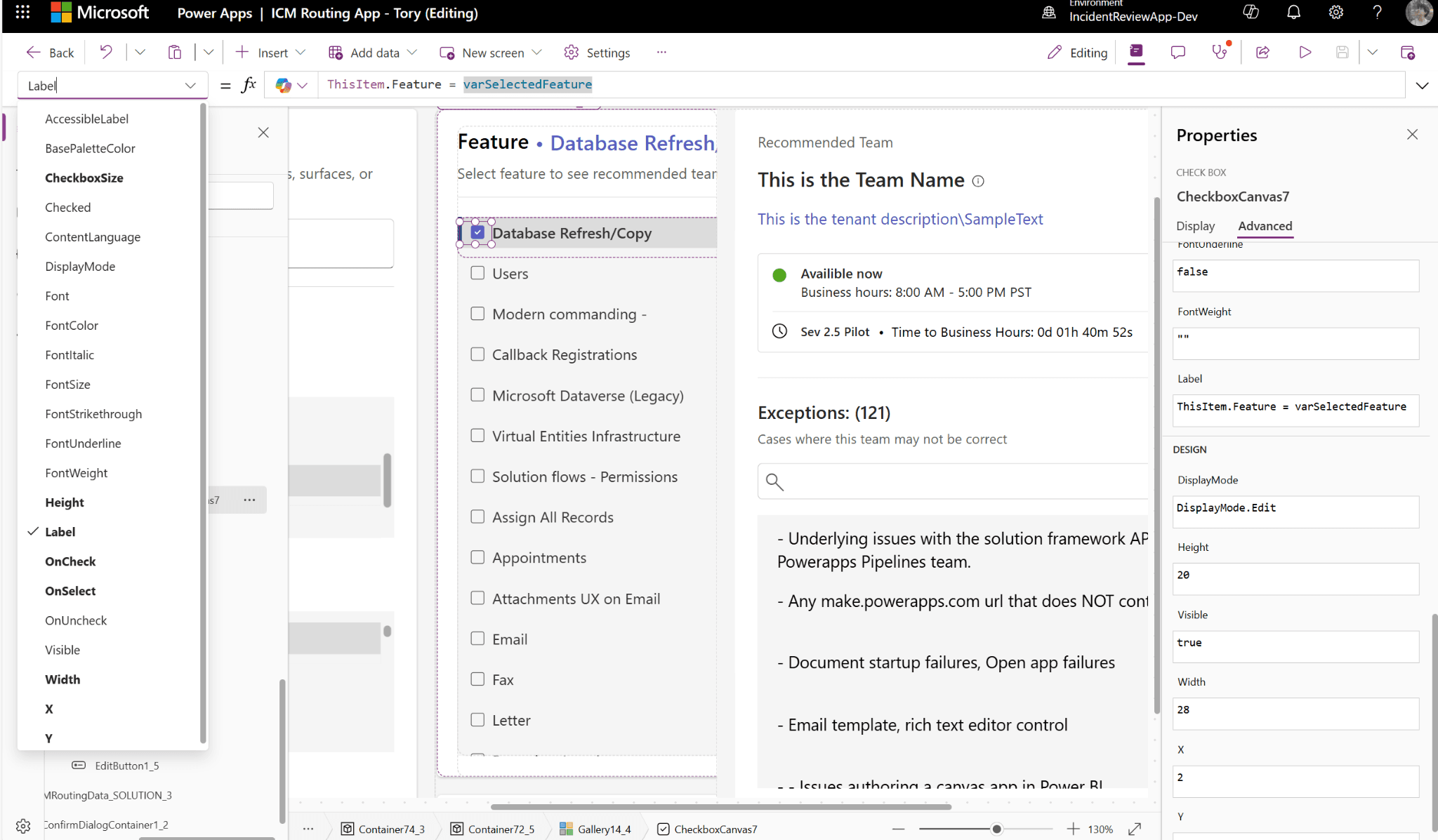
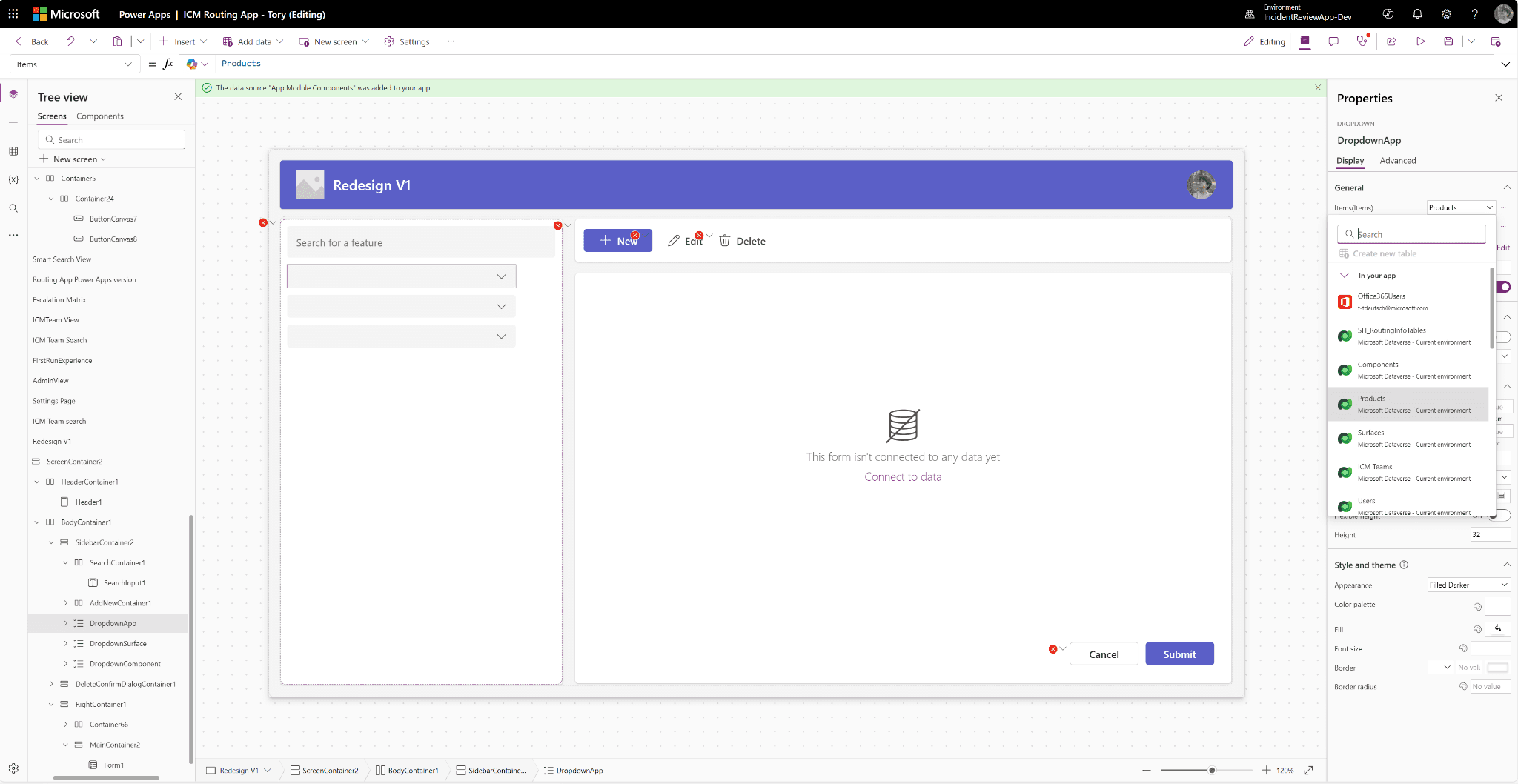
A major difference in this project was that I wasn’t just redesigning the interface — I was building the actual product. I built new components in Power Apps, implemented logic with Power Fx, and worked with real data from the original application. I had never done anything like this before.
This opportunity allowed me to think beyond visuals and make continuous trade-offs throughout development.
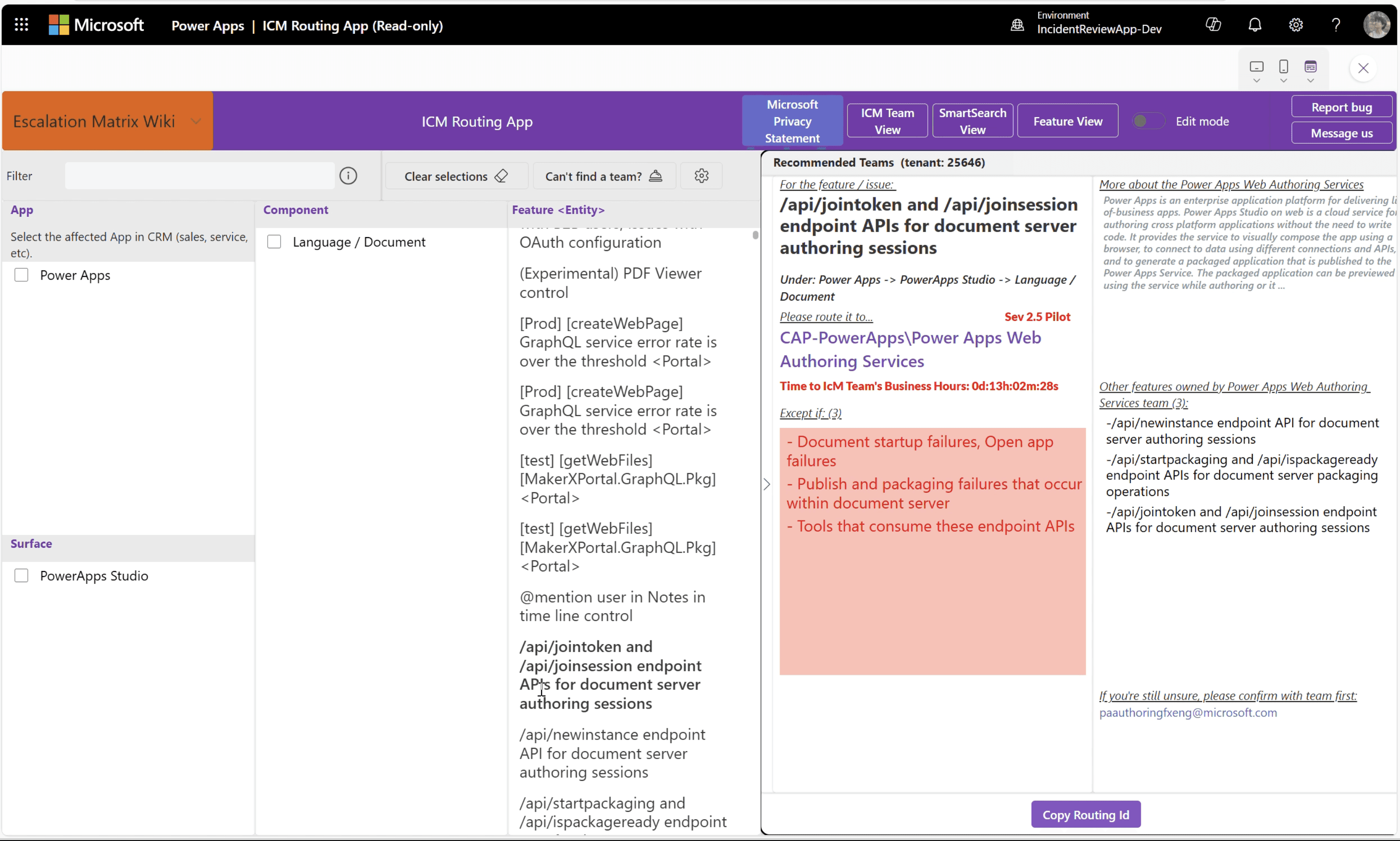
Original Screen
• FINAL REDESIGN
Aligned With Real Usage

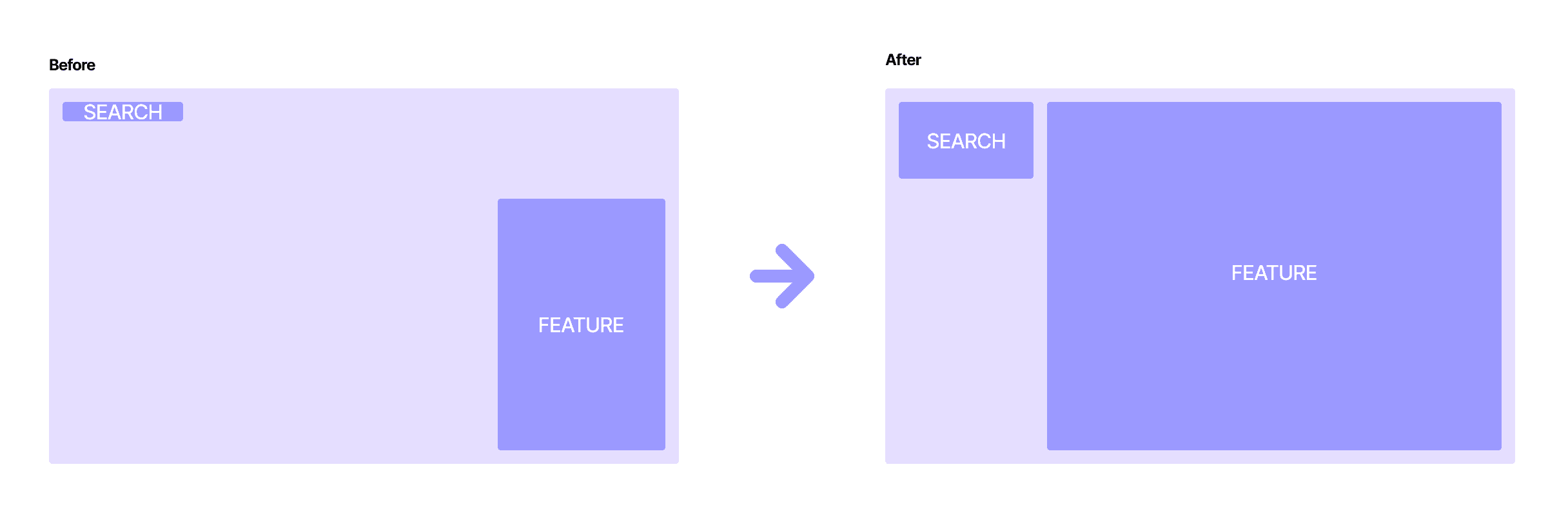
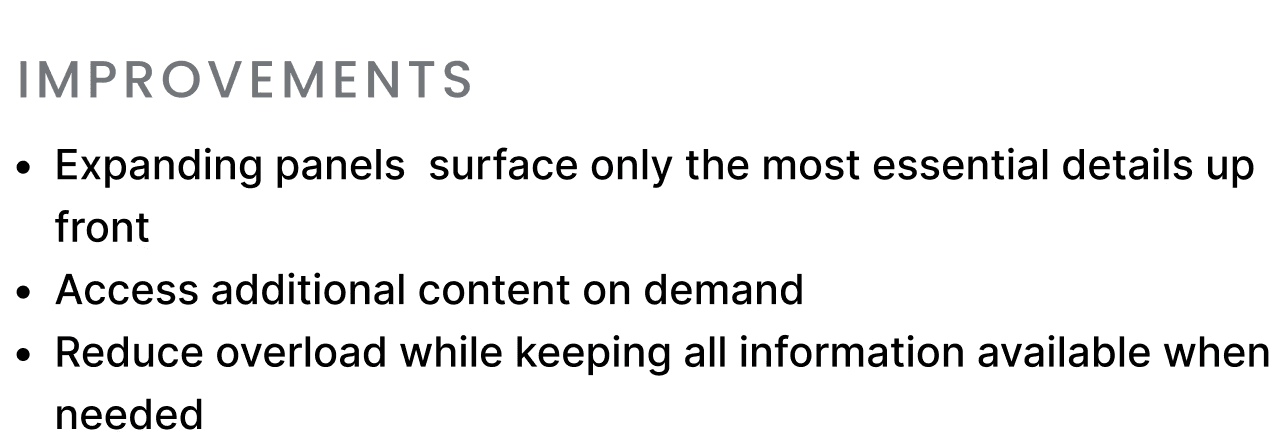
Streamlined Information


Redesigned Component
• IMPACT
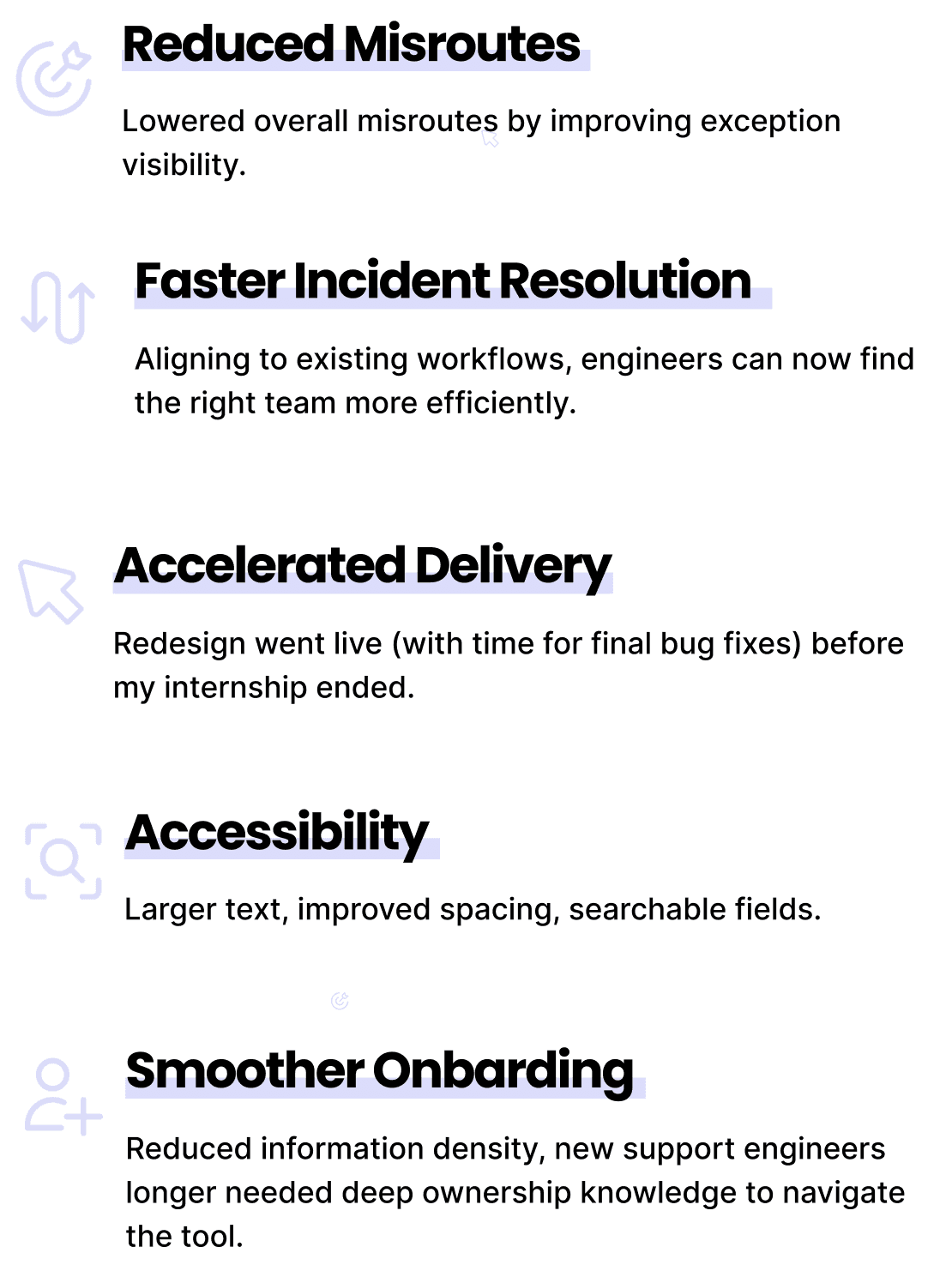
Currently used by Microsoft's support teams.
The new ICM experience went live internally before the end of my internship; it is still used within the company today.
The Result:
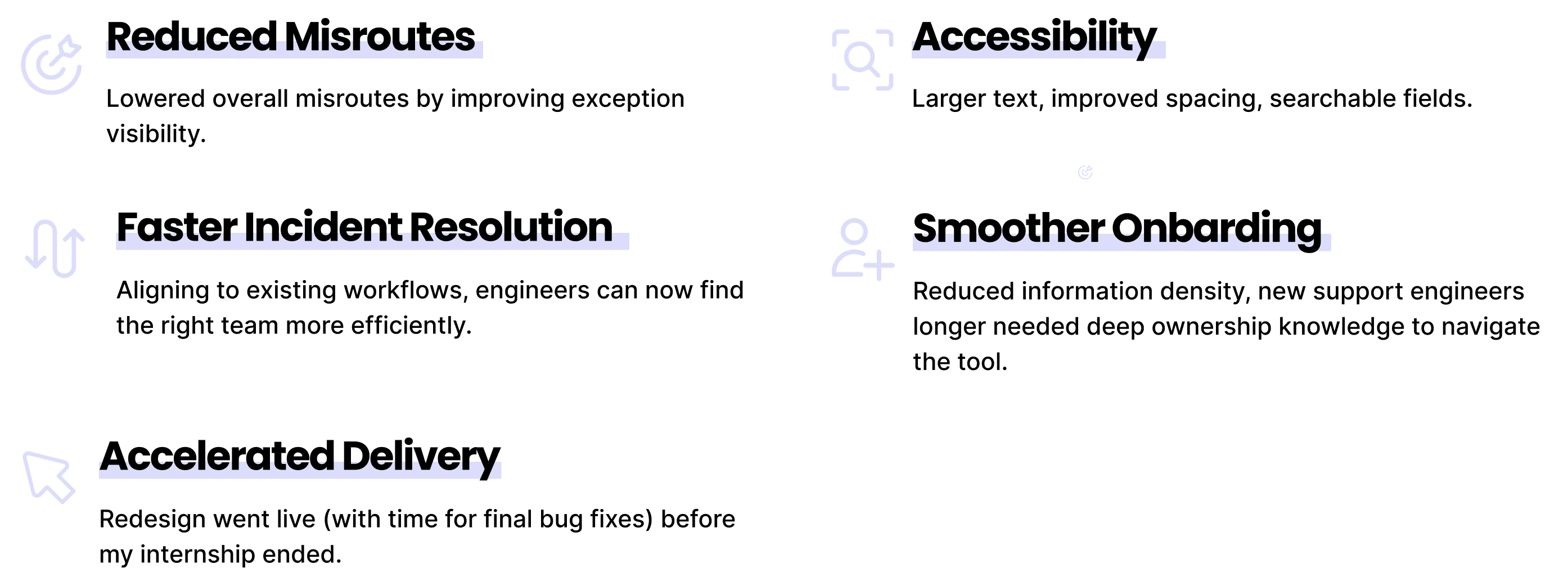
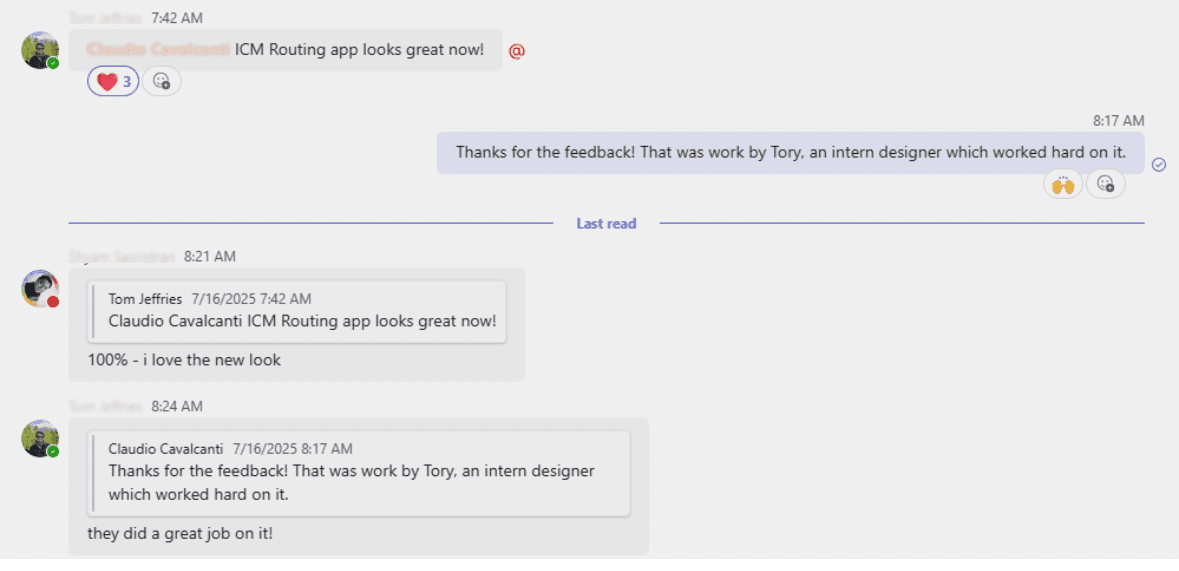
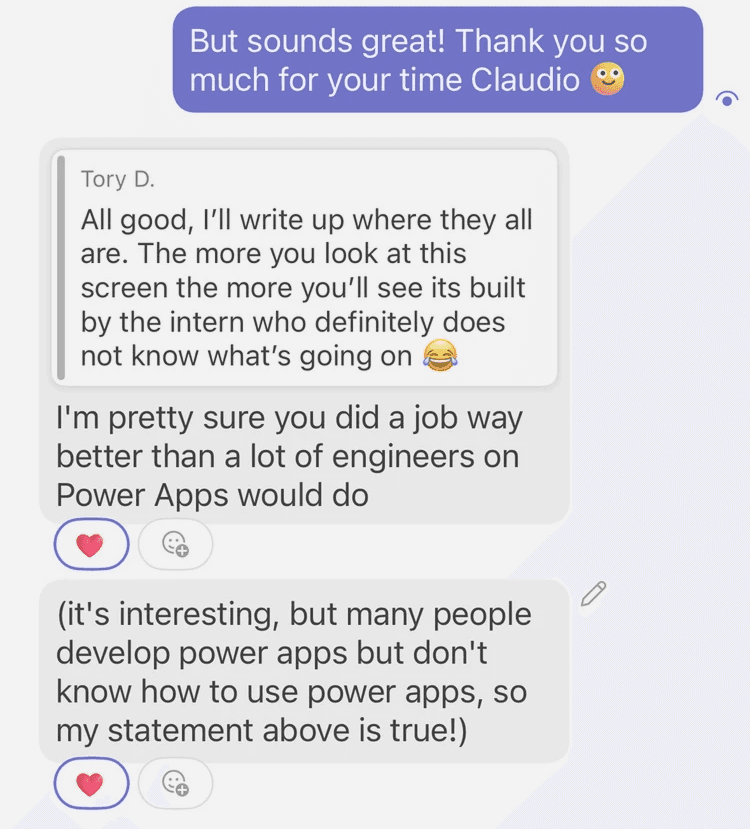
Kind words from engineers after launch ^
• REFLECTIONS
What I learned.
This project taught me the value of meeting users where they are. Engineers had already shaped their own workaround by relying on search, so instead of fighting that behavior, I optimized for it.
It also underscored the value of designing through implementation. I wasn’t just envisioning the solution…I was shipping it. This technical stretch gave me a deeper understanding of what it takes to deliver design at scale.
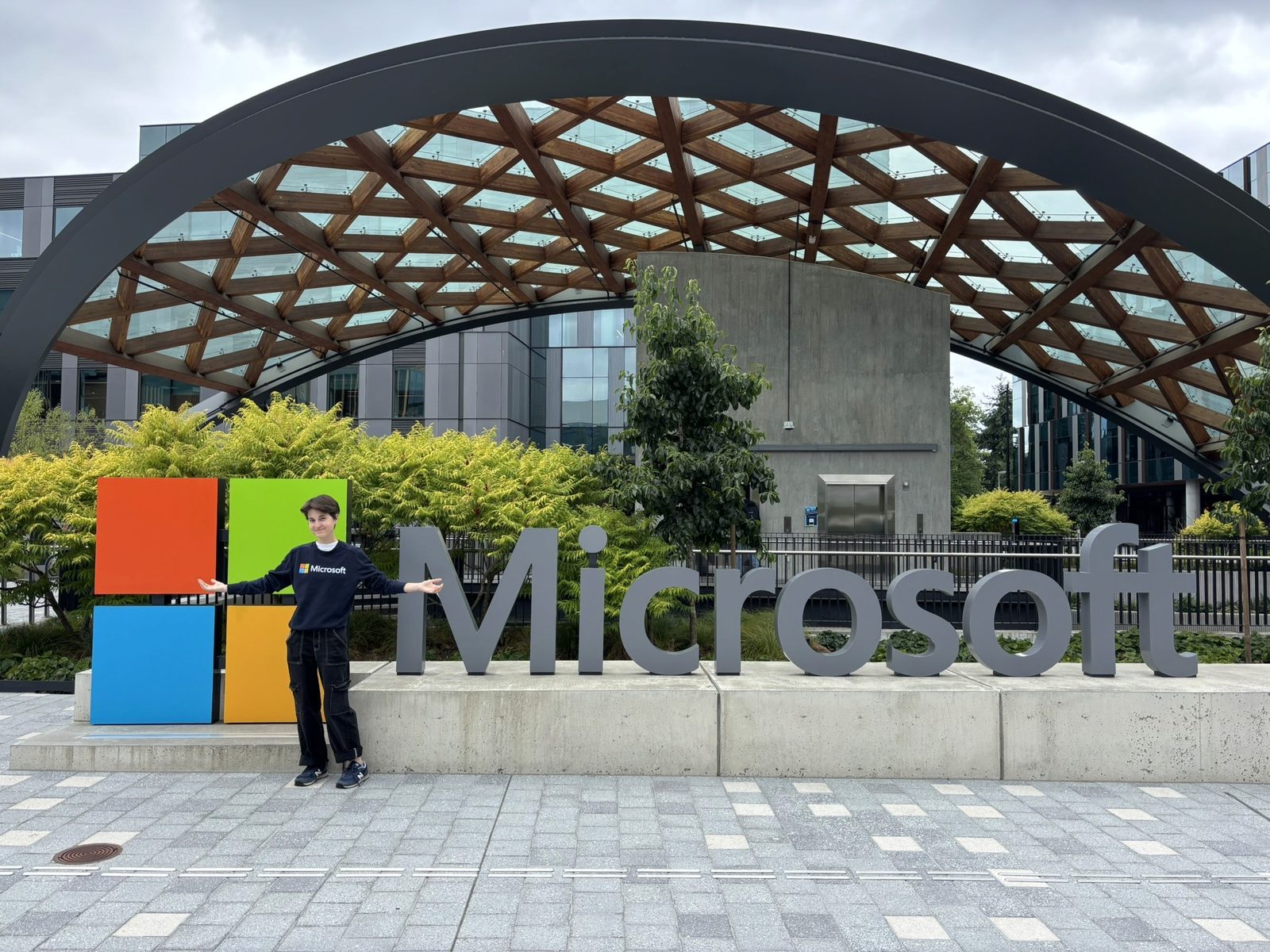
I’m deeply grateful for this project and for the people who supported me through it. Taking on a more technical challenge taught me far more than I expected, and I owe much of that growth to the senior engineer who guided me with not only his expertise, but also patience. I’m also incredibly thankful to the Power Apps design team for their mentorship and unwavering support throughout the process <3